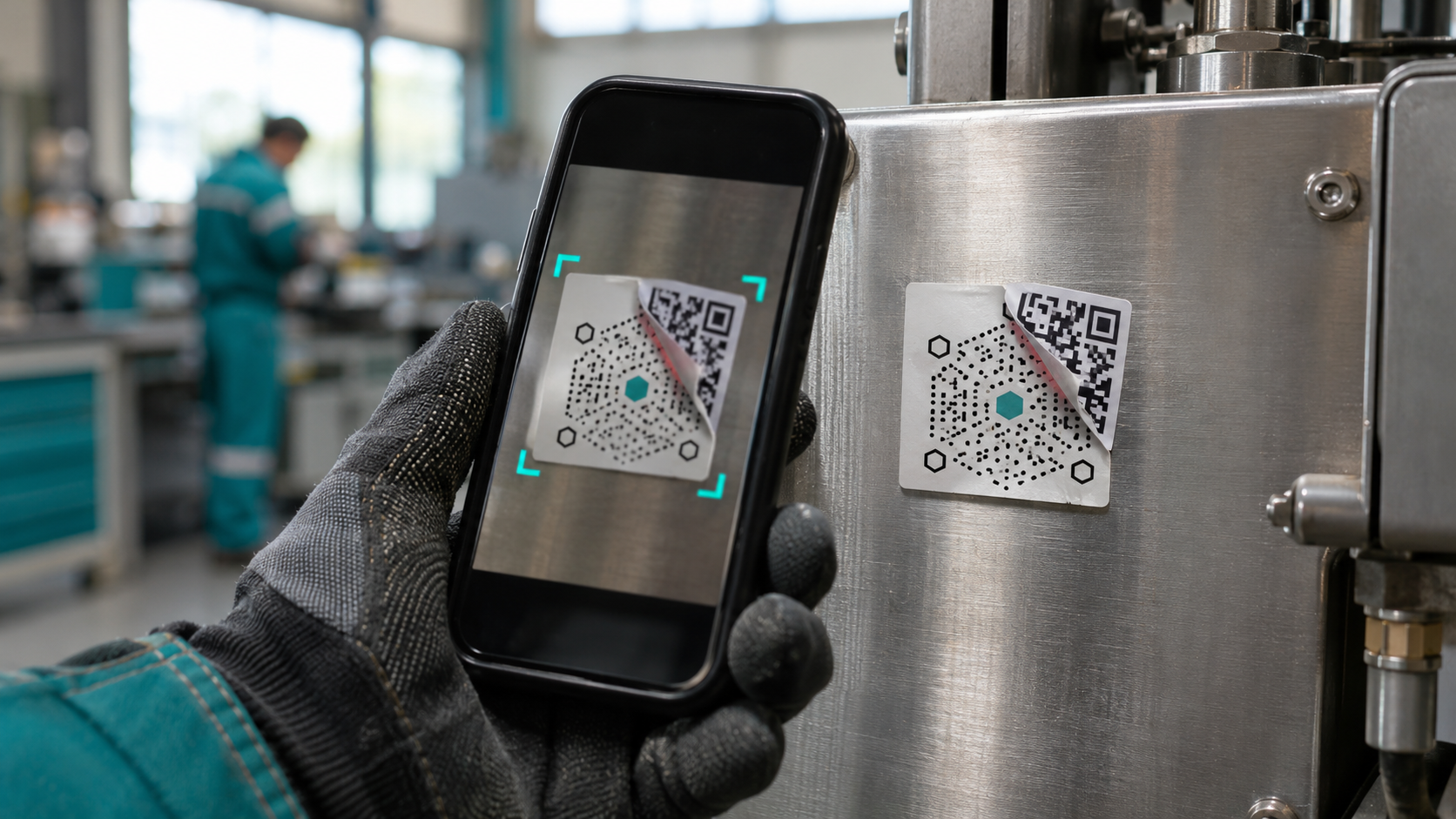
QR codes make information easy to access. They also give attackers a convenient way to hide a malicious destination. CERB is developing an approach that combines custom code design, a dedicated scanner and strict validation rules to make scanning safer.
A QR code on a document, an equipment label or a payment notice can feel trustworthy because of where it appears. But the surrounding logo, paper or screen does not prove who created the code or where it leads.
QR code phishing, often called “quishing”, exploits that gap. Attackers use codes to direct people towards fake login pages, fraudulent payment requests or harmful downloads. The US Federal Trade Commission has documented scams involving replacement stickers over legitimate codes and messages that pressure recipients into scanning urgently. Source: FTC guidance — https://consumer.ftc.gov/consumer-alerts/2023/12/scammers-hide-harmful-links-qr-codes-steal-your-information
For businesses, the concern extends to everyday operational workflows. A code presented as access to an inspection report, maintenance record or supplier document could become the starting point for a phishing attempt. The important question is what establishes trust between scanning the code and taking the next action.
There are practical precautions everyone can take. Inspect the destination before opening it, watch for altered labels and treat unexpected requests to sign in or pay with caution. When something looks suspicious, access the service through a known website or application and verify the request through an established contact. These steps align with the FTC’s advice on QR scams.
Organisations should also test whether their email security tools inspect codes embedded in images and attachments, provide a simple reporting route and protect accounts with phishing-resistant authentication, such as appropriately implemented FIDO2 security keys or passkeys. Manually entered one-time codes can still be relayed through phishing sites. Source: NIST authentication guidance — https://pages.nist.gov/800-63-4/sp800-63b/authenticators/
At CERB, we are working on bringing verification into the scanning process itself.
Our approach combines a recognisable custom code design with our own scanner and a defined validation contract. Here, “contract” means the technical rules that determine which codes the scanner accepts and how it handles their contents.
The intended behaviour is straightforward: scanning a code should begin a controlled verification process. The scanner should accept only supported content, validate it against those rules and permit only the actions the application explicitly allows. An unrecognised or invalid code should produce a clear rejection.
That distinction matters. Checking that a code has the expected structure is only the first step. Effective protection also requires a way to verify its origin and integrity, enforce access permissions and prevent its contents from triggering an arbitrary website or action. These are requirements for the protective design; the appearance of the code cannot provide them.
The custom visual design supports recognition and gives users a consistent cue to use the approved scanner. A logo, shield or unusual pattern can still be copied, however. Other software may also be able to decode the contents. The security boundary must sit in the verification and authorisation process.
Copied genuine codes need consideration too. A code can be authentic yet appear in the wrong place. Where the workflow requires it, validation should check the expected record or context, validity period and whether the code has been withdrawn. Sensitive actions should require the user’s permission and confirmation; possession of a code alone should never grant authority.
Our aim is to make the decision after a scan more dependable: verify the code, establish what it is allowed to do and show the user a clear result before proceeding.